Safe Account Setup & Quick Verification
How to open, verify (KYC) and secure your account with 2FA & anti‑phishing codes — plus a withdrawal address whitelist for safer transfers.
TrendReward is an independent marketing affiliate. This is not Bybit’s official website.
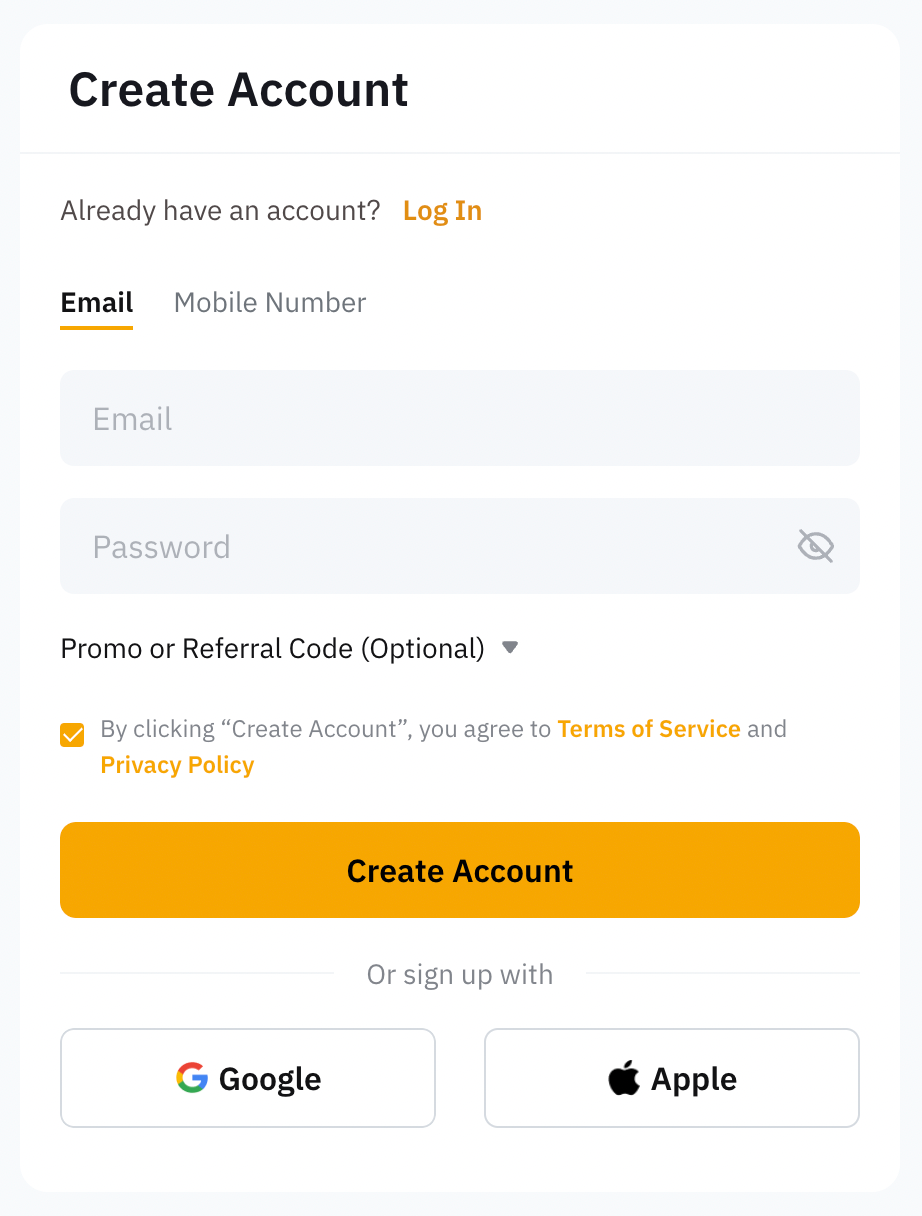
Step 1 — Create Your Account
Go to the official site and sign up using your email or phone number. Use a strong, unique password.
Ready to register? Use our referral link: Register on Bybit.
New to crypto? Learn the scams to avoid next →
Step 2 — Quick Identity Verification (KYC)
Complete KYC under Account & Security → Identity Verification. Bybit offers multiple levels (e.g., Standard/Advanced/Pro) with different limits; follow on‑screen prompts to upload your ID and complete liveness checks.
- Prepare a valid government ID and good lighting.
- Ensure your face is visible (no filters/sunglasses).
- Use your legal name as it appears on your ID.
Step 3 — Enable Two‑Factor Authentication (2FA)
Right after signup, enable Google Authenticator in Account & Security → Two‑Factor Authentication. Store your recovery key safely; you’ll need it if you switch phones.
- Install Google Authenticator (iOS/Android), then choose Enable on Bybit security settings.
- Scan the QR or enter the setup key to bind your account, then confirm with the 6‑digit code.
- Back up the recovery key in a secure place (offline preferred).
Step 4 — Set Your Anti‑Phishing Code
Create a custom code so official emails/SMS from Bybit include your code — if it’s missing or wrong, treat the message as suspicious.
- Go to Security → Anti‑phishing Code, set a short memorable phrase, confirm.
- Always check this code in future Bybit communications to avoid spoofing.
Step 5 — Use the Withdrawal Address Whitelist
Add and verify your personal withdrawal addresses in the Address Book/Whitelist. Verified addresses can streamline withdrawals and help prevent mistakes; some steps may skip extra 2FA when the address is whitelisted. Always verify network and memo/tag for certain coins.
- Add address via Assets → Withdraw → Address Book and label it clearly.
- For coins requiring memo/tag (e.g., XRP/XLM), include it to avoid delays.
Safety Reminders
- Only use official domains and avoid clicking links from unsolicited messages.
- Enable 2FA and keep recovery keys offline.
- Use the anti‑phishing code and verify it on every email/SMS.
Already verified? Secure your account even further →
When You’re Ready, Start Here
We recommend completing KYC and enabling 2FA + Anti‑Phishing Code before your first deposit.
Go to Bybit (Official Site)*Opens in a new tab; review Bybit’s latest terms on the official site.